Learning Design | Web Design
I designed a gamified web accessibility learning platform for designers, developers, and testers, making WCAG 2.2 guidelines easier to understand and apply.
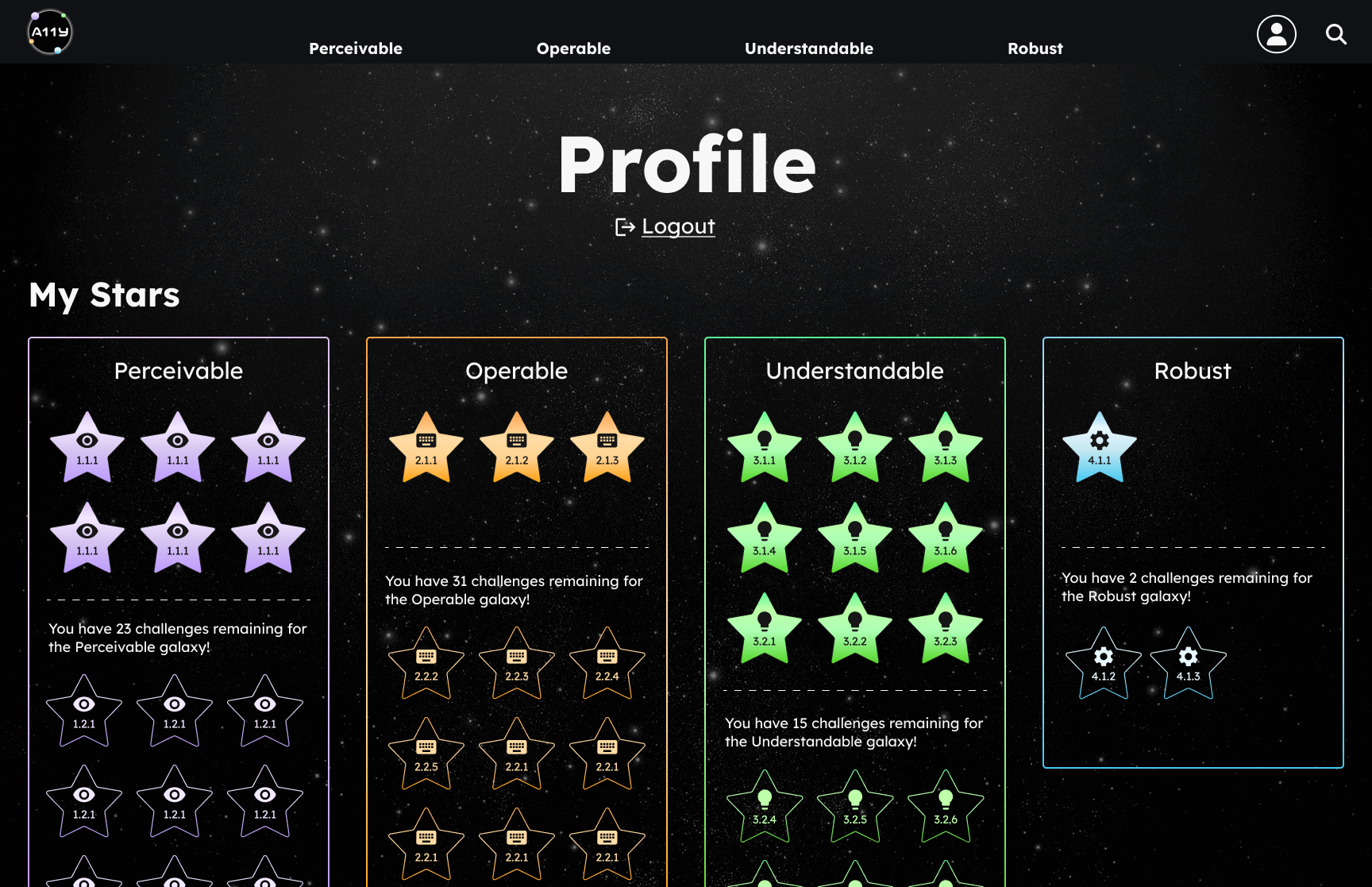
This resulted in training used by 250+ Fortune 500 learners with 86 hands on learning challenges.
Learners struggled to design, test, and evaluate web applications against WCAG 2.2 guidelines, with traditional training failing to build lasting skill.
I led design and development of a gamified, hands-on learning platform that turned WCAG 2.2 into something learners could actually practice and enjoy, handling brand design, e-learning development, project management, and UI design end to end.
By the end of this course learners should be able to...
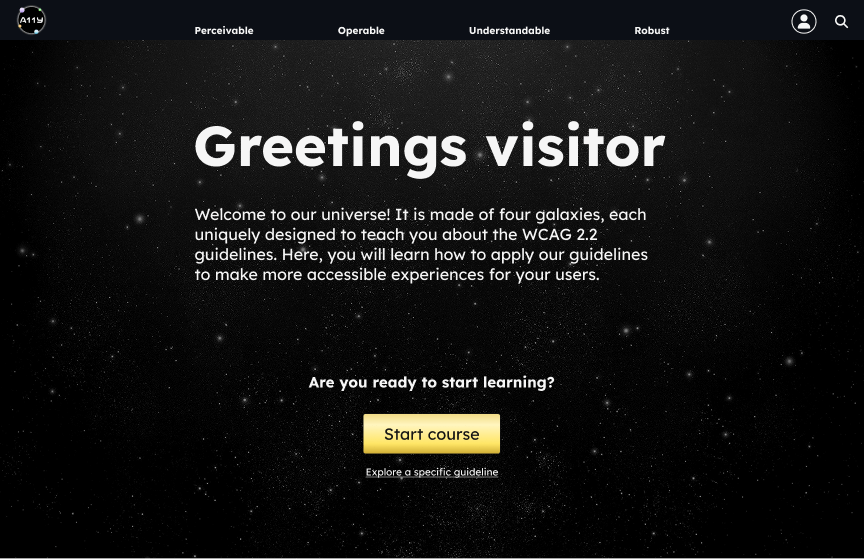
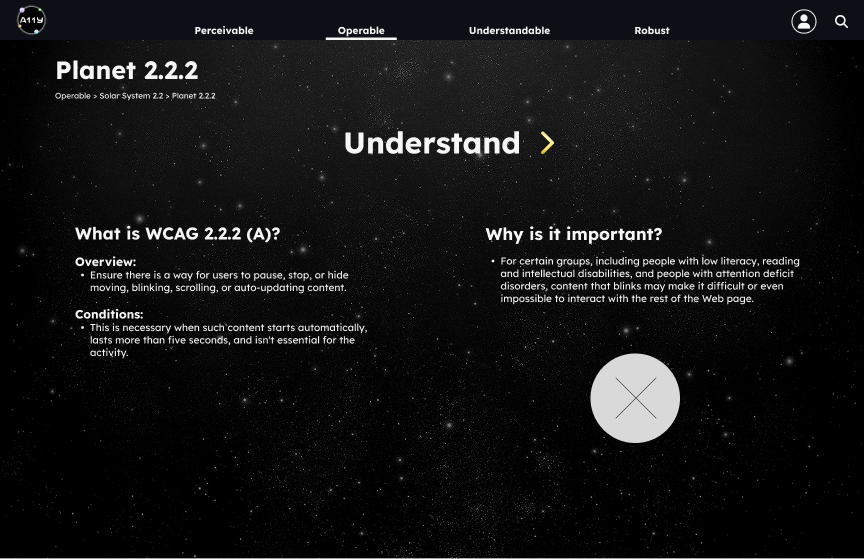
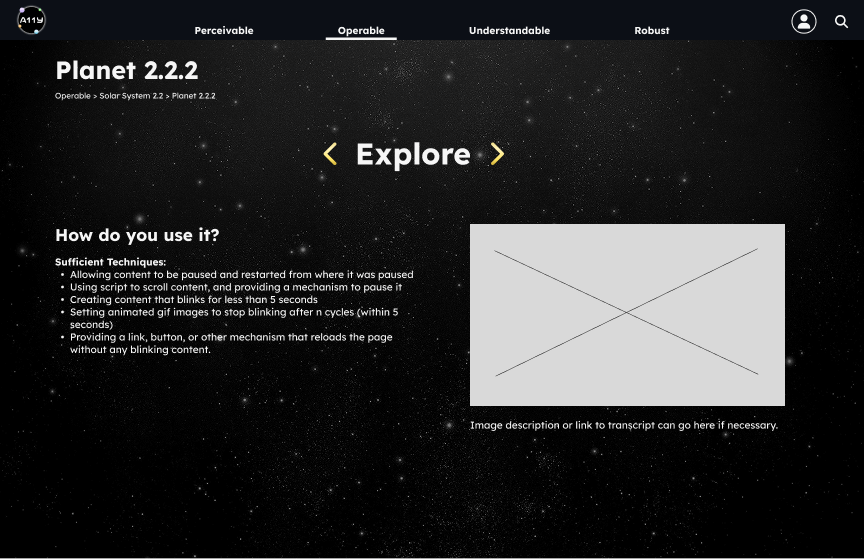
Faced with overwhelming, jargon-heavy accessibility content, we spent 12 weeks chunking the material, testing logo concepts with real users, and building a welcoming, space-themed learning experience learners could actually navigate.
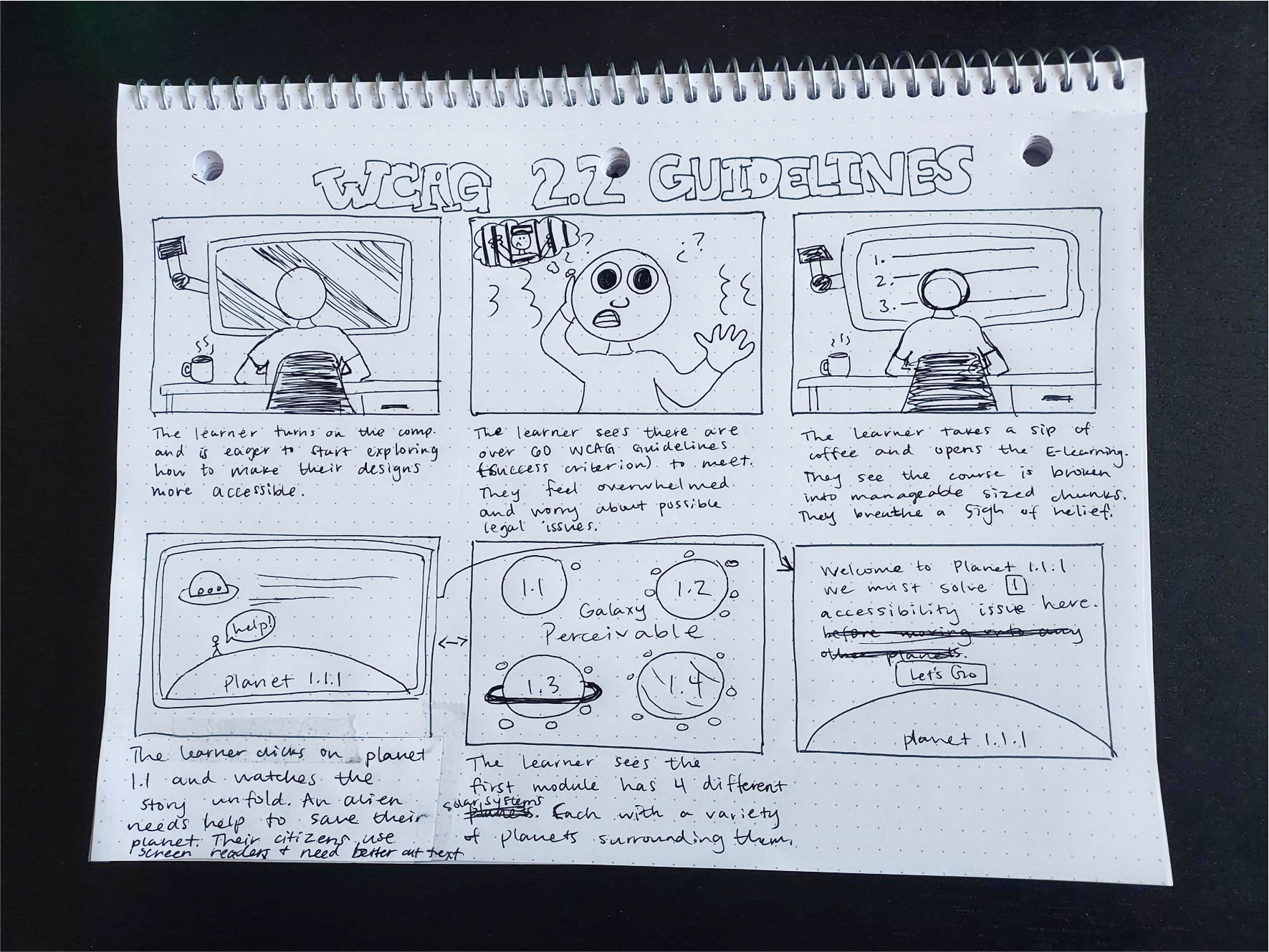
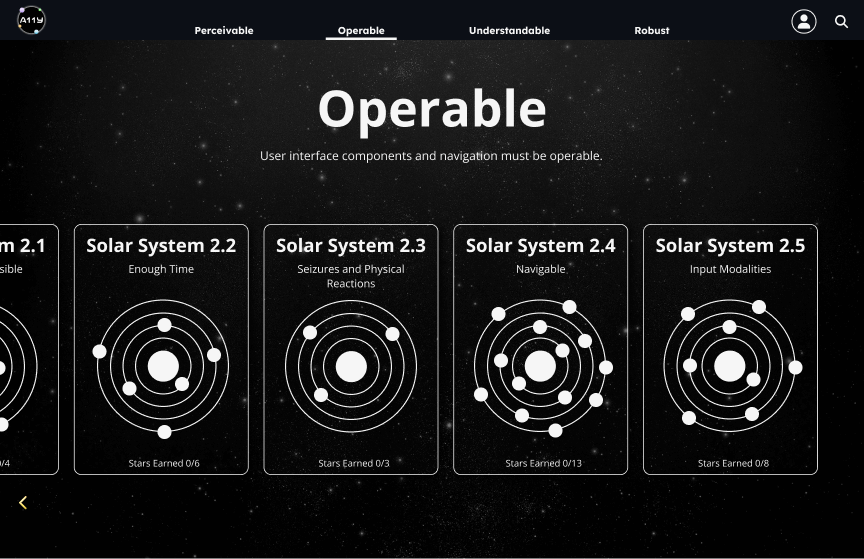
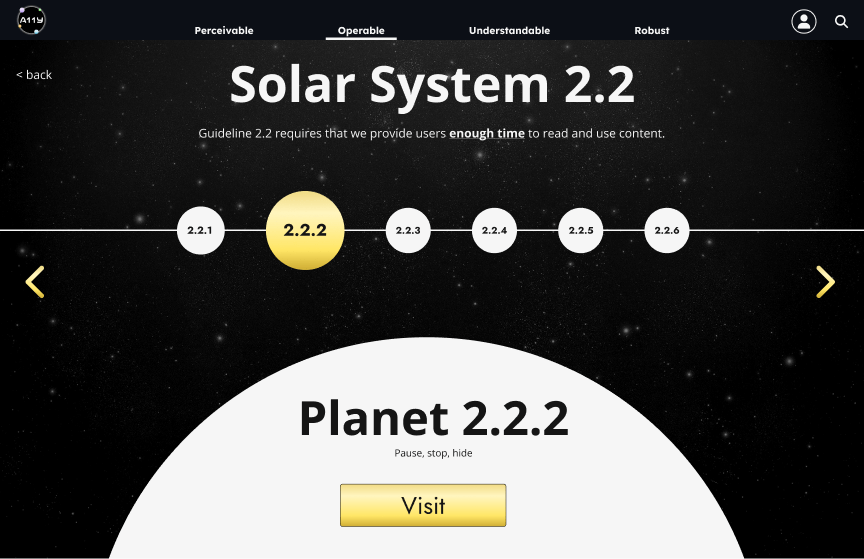
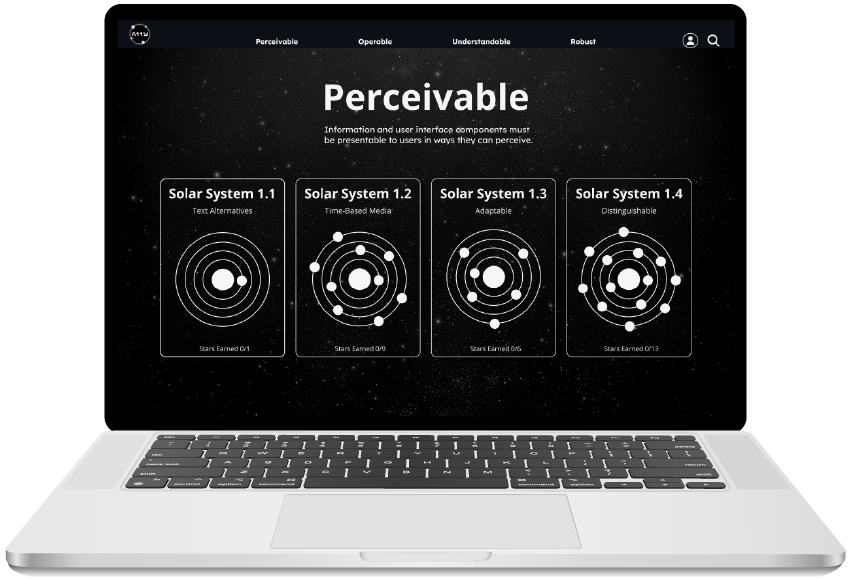
Simplifying and breaking this complex topic into galaxies, solar systems, universes, and planets allowed our users to visualize the complexity without feeling overwhelmed by the large amount of information. This clean design created a sense of calmness for our learners to comprehend an important topic.
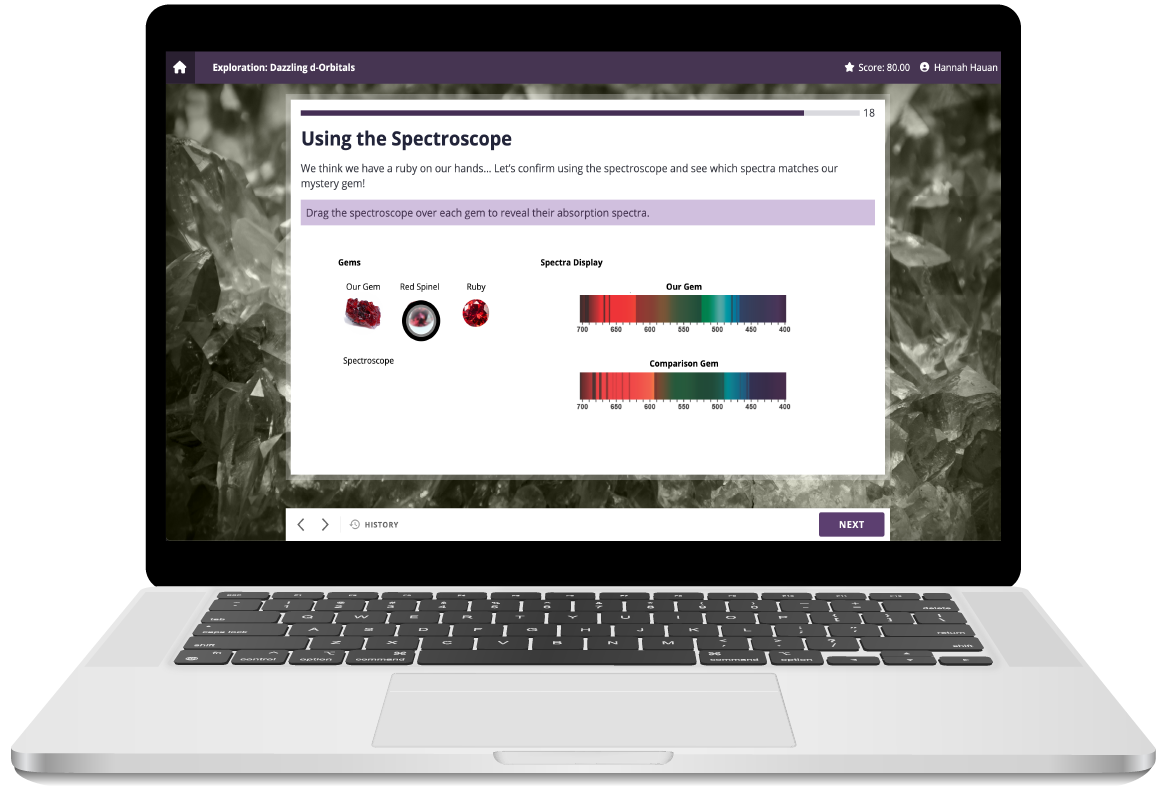
I led a team of 3 junior designers to create 86 hands-on learning challenges for learners to practice their skills. I created a Figma file with all the learning challenges and design components, allowing my team to work independently while I provided feedback and guidance.
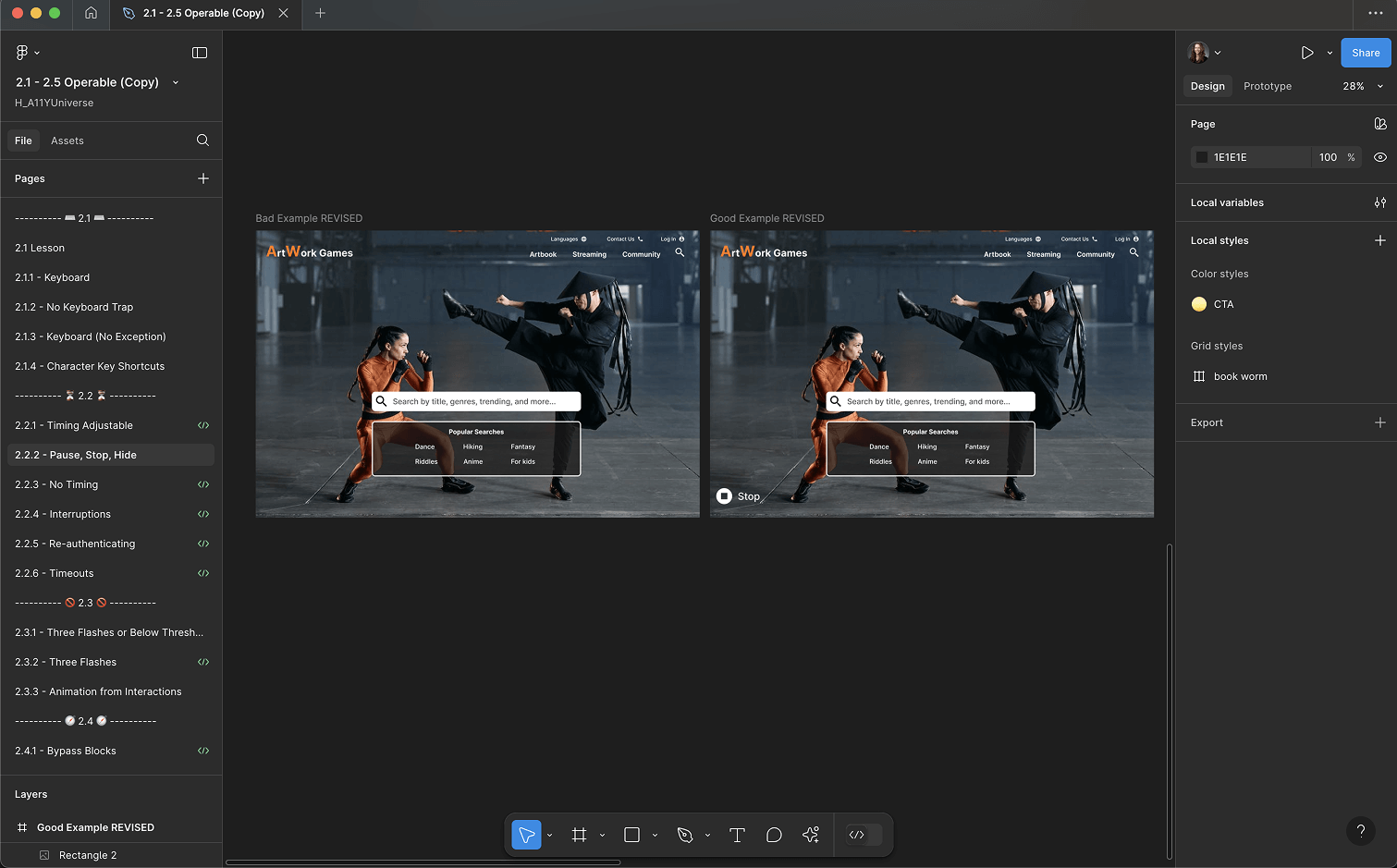
My team knew this project would be content heavy. I collaborated with our development team to design template pages and create an a admin panel. This allowed me to build the content out for all 4 galaxies, 13 solar systems, and 86 planets with ease.